

OpenClaw received a lot negative publicity when it first hit the scenes at the start of 2026 as an AI agentic framework. Rightly so, it was riddled with security holes and opened up your machine to a lot of potential harm.
I installed it a few months ago, along with its main competitor, Hermes, but quickly abandoned them as they were not polished enough in their security posture and their feature list. An enthusiastic hobby project at best.
Now fast forward a few months and they have professionalized considerably to the point where it has become my default agentic personal platform (yes, Claude is being used less and less these days). Let me take you through my setup here, so you can be up and running securely utilizing both public and private models. Interestingly, 90% of my AI sessions are answered using my local LM Studio Gemma 4 26B model.
Marge

I have Marge setup. She is my private AI agent, always on hand to do my bidding. Each morning she goes through my inbox and LinkedIn messages and produces a summary of action items. Marge also does a quick sweep through some of the Reddit groups I follow and gives me a pulse check of what the hot topic is. I subscribe to many newsletters, that are all filtered in to their own “7days_news” email folder, and Marge also goes through those each day, following the links contained in each email, to summarize the results.
I have created a whole bunch of skills to help check content that I produce for readability and understanding, whether that is an email reply, blog or LinkedIn post. She can also do deep research for me, which also includes popping onto LinkedIn to do profile lookups and the sort of content they publish.
All in all she is a great old-skool PA that helps. She doesn’t act on my behalf though – she is there to bring me things (though still not able to bring me a green tea).
Installation
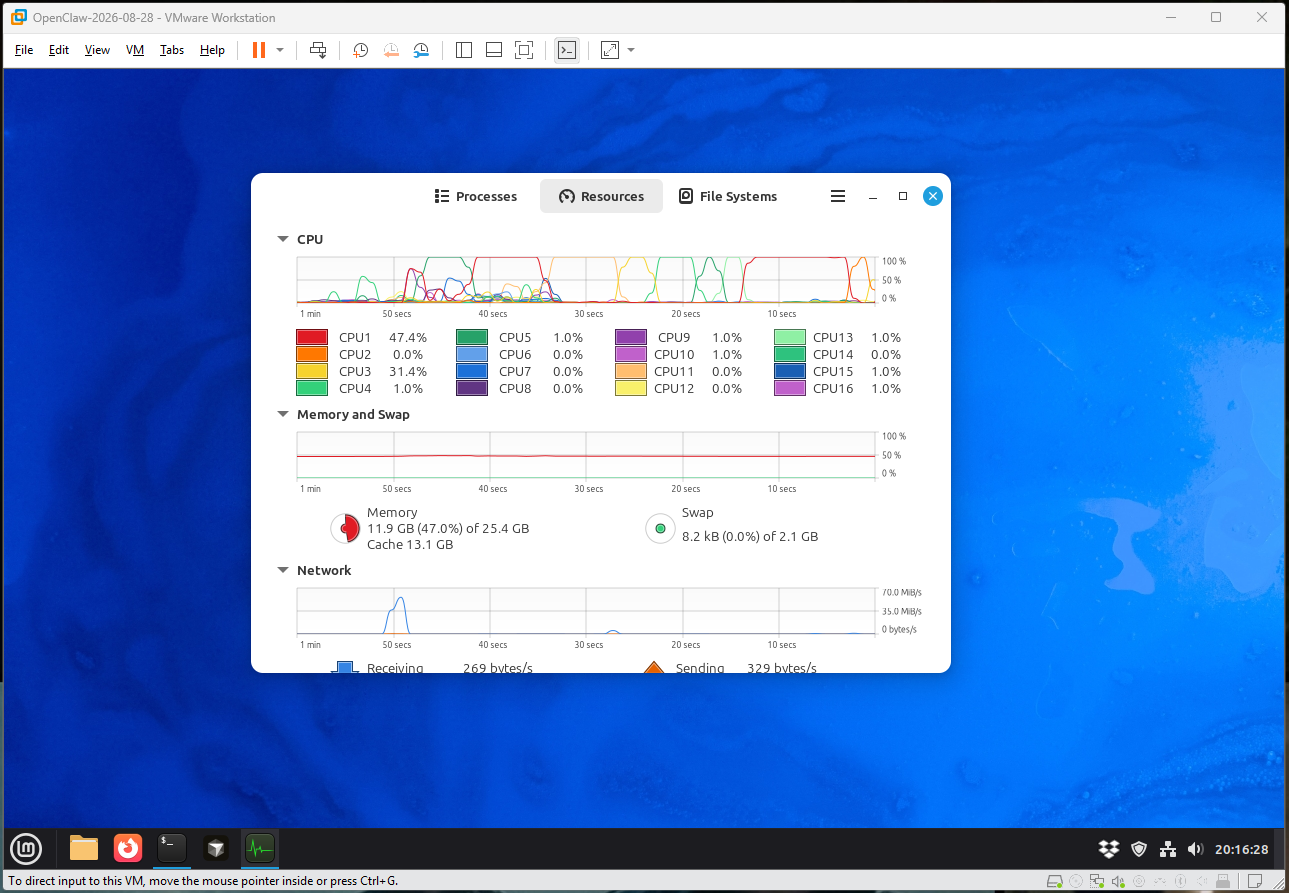
OpenClaw is a node based agent framework, so pretty much will install on any platform. My recommendation is don’t install it on your native desktop. Instead put it inside a virtual operating system. My combination is VMWare Workstation (free) with a Linux Mint (Ubuntu) running on 8GB of memory with 100GB diskspace allocated. My desktop host doesn’t even notice it running. The advantage of this setup allows you to snapshot at various stages of setup (easy edit-undo path) and allows you to ring fence an additional level of network security. Naturally, agents can’t access any files that are on your desktop, limited only by what is in the virtual machine.

Another advantage of running in its own OS, you have freedom for some of the agents to spawn a browser and walk through the various actions for you.
The installation script could not be simpler. Run a single command, walk through the wizard.
curl -fsSL https://openclaw.ai/install.sh | bash
Word of caution, go and sign-up with OpenRouter.ai and get yourself an API key (set Deepseek V4 Flash as your default – it is the cheapest model that works – the ratings here confirm it). This will allow you to breeze through the wizard questions. Most of them you can defer to later.
Configuration
Everything is controlled by a single text file ~/.openclaw/openclaw.json that makes configuration very easy. There is a web experience, that lets you edit the settings, but it’s quicker to just edit the underlying file and reload. As a small tip, I installed Cursor on this machine and let it edit the file for me, as I got it to the level where I wanted.
One of the first things you want to do is to kill off all the unnecessary tools. They only go to fill up your context and if you never need them, then don’t have them hanging around. You can easily enabled them again for the times you need.
Next is to setup all the MCP connections you need. One of the ones you need is barebrowse – which is a very well crafted library that controls a local browser session. It was one of the few that made easy work of LinkedIn. I also have fastmail-mcp which is much stronger than the official Fastmail MCP.
Adding in your local models is a breeze, just add in a new block for your LM Studio, pointing at the right address and the models you want to be able to access. LM Studio will load them on demand as and when requested.

Restart OpenClaw and you are off and running.
Talking with OpenClaw
So you have a few options open to you:
- Terminal CLI – just type of “openclaw” and you have a chat session
- Web
- 3rd party connection (WhatsApp, Signal, Telegram +others)
I utilize the web interface the most and have setup a private channel with my WhatsApp account so I can talk with it when outside of my network.

The web is not available outside of the host machine by default. You can configure it to be available to your local LAN and it is secured by a long gateway key that needs to be used to gain access. Would recommend not allowing this web interface to be available outside of your network – don’t risk it.
The web UX is rich, and each release it gets better. All the usual features you would expect (including voice input), file uploads, and a detailed view of the current context. There are some nice features for managing this, including compacting and resetting the current sessions context.
Marge’s workspace
OpenClaw arranges things in workspaces. A workspace is a project, with its own set of skills and rules. I created a folder for “marge” within DropBox and had my virtual machine only synchronize that folder. The reason I choose DropBox is that I trust its security hardening over the years, and it is a convenient way for me to edit the files on my desktop/laptop.
I use Obsidian, with my Marge workspace setup as a vault. Obsidian just laps up markdown files, and for an agent workspace it is the best tool. Had to install an Obsidian plugin to expose the “.agents” folder in my vault that I can create and edit skills.
All my agents are instructed to create their output in a given folder under Marge, to allow me to easily access and review.

OpenClaw manages memory very well. It creates memory files (summary markdown files) that are then vectorized and searches with a vectorized search to find the relevant section to bring back. This was a little hit and miss to begin with, because I had managed to balls up the setup that the vectorization algorithm it was using to index the memory, wasn’t the same one it used to search. I tweaked that to use a lightweight model running on LM Studio and the whole thing burst into life.
All Local
Given the recent news that Grok got caught uploading your entire project to its backend, it is comforting to know all your AI work being done locally. As noted earlier, I pretty much leave the default session on Gemma 4. All my morning agents work on a cron (configured inside of OpenClaw) and I am not really waiting for a response, so it can take as long as it takes.
Normal session discussions are fast though. After much experimentation with LM Studio over the months, I have fine tuned my setup to the point where I am getting +100 tokens/second, without pushing my GPU to 100%.
Every so often, I drop to Deepseek via OpenRouter but that is few and far between. Marge does not need the latest and greatest and she is doing wonderfully well, utilizing all the local resources without any surprising unwanted bills.
In conclusion
Getting this all setup sounds way more impressive than it really is. It is just a handful of steps to get you up and running with OpenClaw, then it is down to how you configure your own “Marge”.
The secret to success here is to not to overreach out of the gate. Start with the simple repetitive steps you always find yourself doing, and then breaking that down into a series of steps, and that basically becomes a “skill”. Creating a skill is nothing more than writing down clear, precise instructions in a text file. Execute, observe, tweak. Keep iterating until the process works.
Marge will ping me via WhatsApp my top stories and the ones that could be a good basis for a future blog article. Marge doesn’t need to visit all the sites – since I have signed up to many email newsletters, content comes to me already in volume. All she needs to do is to summarize those.
So look for shortcuts and utilize what you already have at hand.
I have many thoughts on how OpenClaw could be deployed in a professional setting, while retaining security and control over the data it is processing.
In short – OpenClaw with local AI is ready now.


![[Review] Convoy: The Comprehensive Yet Untold Story](https://i0.wp.com/alan.is/wp-content/uploads/2026/09/2026-09-05_15h22_57-1.png?fit=301%2C142&ssl=1)




![[Review] Convoy: The Comprehensive Yet Untold Story](https://alan.is/wp-content/uploads/2026/09/2026-09-05_15h22_57-1.png)


Leave a Reply