
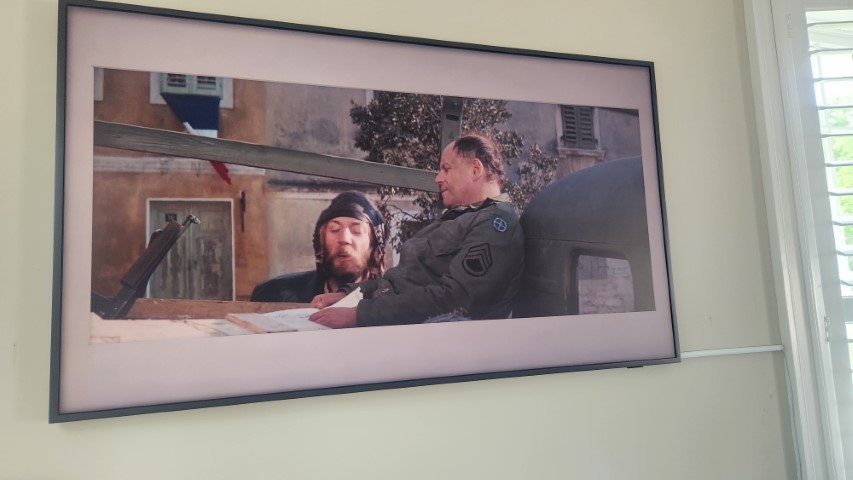
A few months ago I finally got seduced with all the discounts and snagged myself a Samsung Frame to hang in my office. I was attracted to the fact it is essentially a big-ass photo frame, that will also double as a TV as when needed. It turns off when no one is in the room, and comes on subtly when motion is detected, and its beautiful matte screen does a lovely job of making it look real.
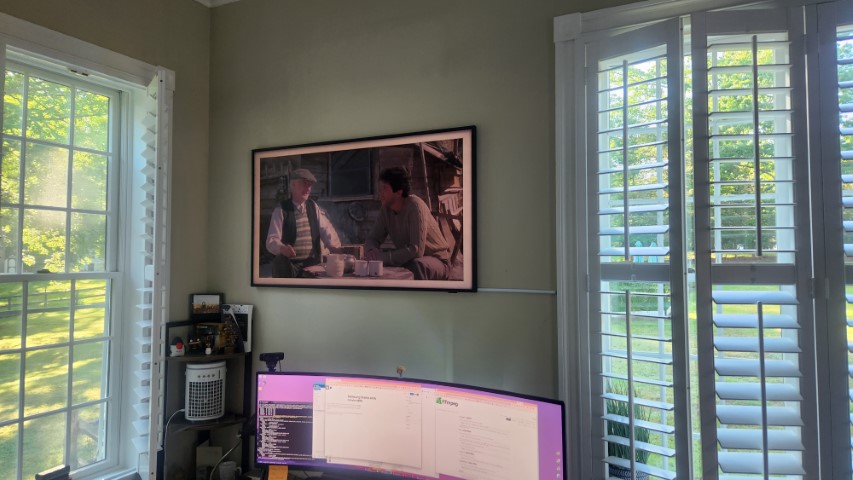
Samsung heavily promotes the art store, a subscription-based model to have masterpieces on your wall, rotating to your heart’s content. No thank you. Fortunately, though, you can import your own photos via the USB port. Being a movie devotee, my intention was to make it to render something movie-related.
Getting it erected on the wall was a breeze—especially if you have a “Ryan” on hand to help. The unit itself is extremely thin and has a very small cable that runs to a much larger control unit that sits out of sight, delivering power and data to the screen.
I thought it would be easy to get movie-related content, but frankly, it was a major pain in the ass. There were plenty of people who had collated free art collections for download, but I am not pretentious enough to convince anyone this is what gives me joy.
Deciding what I wanted was the problem. Initially, I thought, movie posters, the usual promotional “DVD” image. Plenty of sites offer these, but were more geared for the web, a far cry from the 3840×2160 size that the Frame would like to see. Also, getting these in any sort of volume was proving a time-consuming effort (even with scripting).
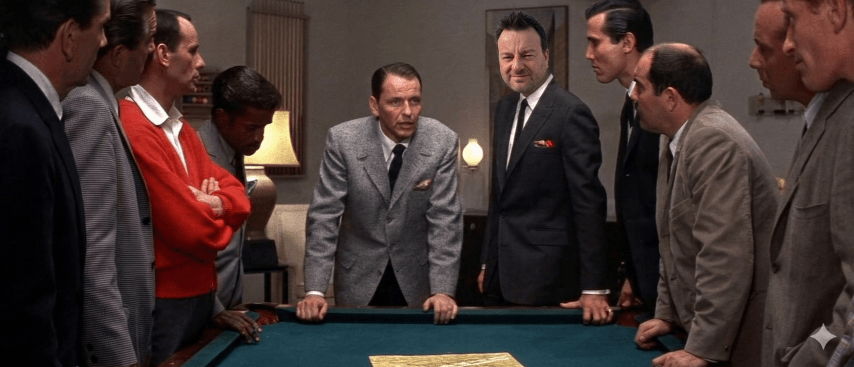
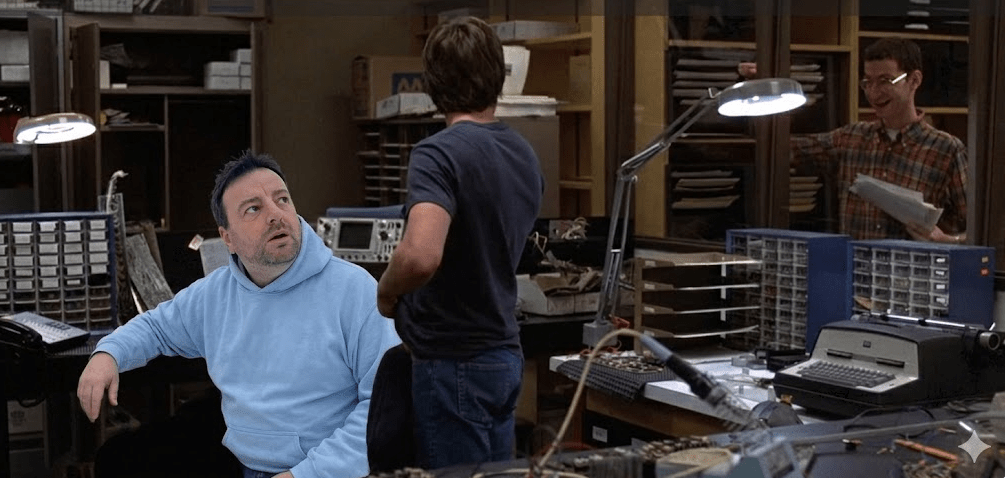
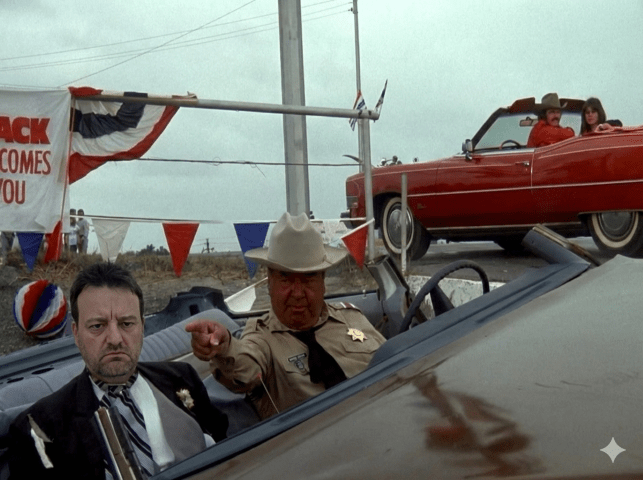
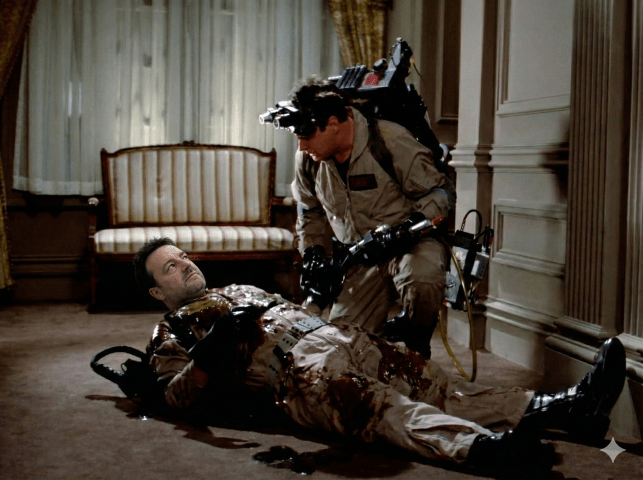
This wasn’t quite what I was after. I wanted something that, when I looked up, would invoke a memory, or if someone came in, they would say “Ooh, what is that from?“. What I needed was a collection of stills from my favorite movies that would then randomize throughout the day.
Instead of looking for them, I decided to create them myself. What I didn’t want to do was painstakingly go through and create them manually. Open source to the rescue using the industry’s standard Swiss-army-knife of video utilities, ffmpeg.
What if I were to capture a still from a given movie once every minute? How would that work? Well, it turns out, pretty darn good. Doing this was a breeze with the following command:
ffmpeg.exe -i '.\Apollo 13 (1995).mkv' -s 3840x2160 -pix_fmt rgb24 -vf fps=1/60 .\screenshots\Apollo13-%03d.pngWhen you are using custom photos make sure you upscale to 3840×2160 with no more than 24bits color depth (they will not render above this).
This created a series of high-res images in a single folder, that I could then quickly eyeball, removing any that were not that interesting. Surprisingly, it captured the essence of the movie beautifully, with only minimal photos needing to be removed, which was a quick eyeball and delete exercise.
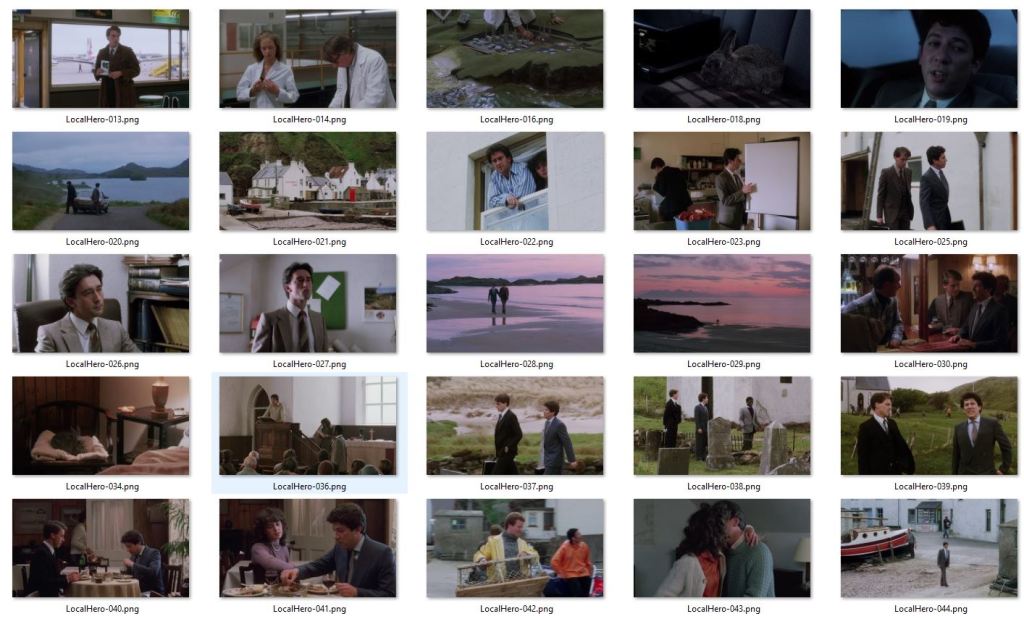
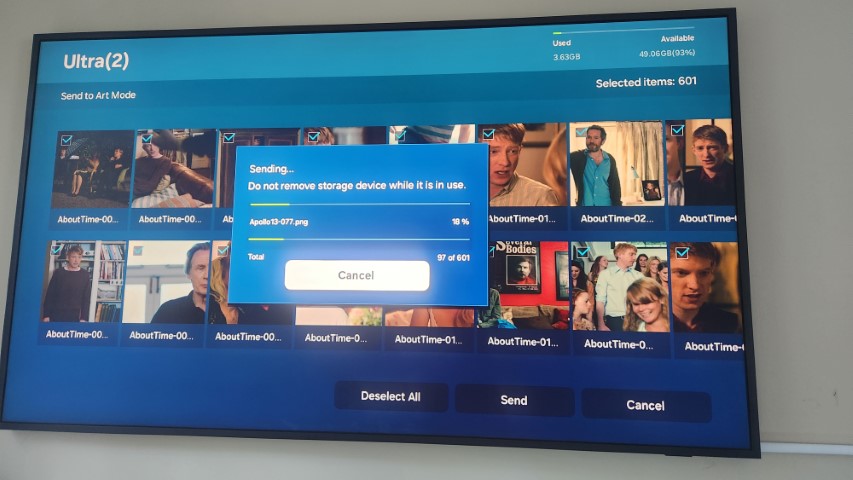
I ended up creating around 50-70 photos for each movie, that I then transferred to the Samsung Frame via the USB stick.
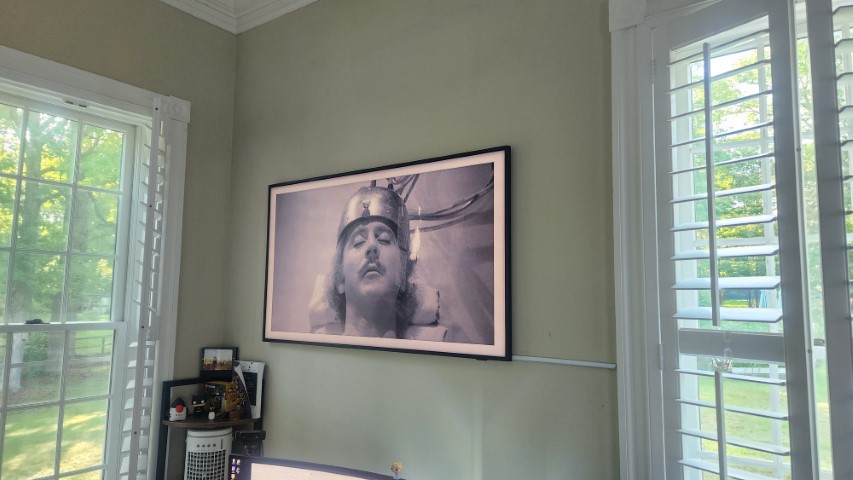
I now have exactly what I wanted and the Samsung Frame is the perfect device for delivering, without worry about turning on/off. The quality is beautiful with no reflection or shine – irrespective of how bright the room is.
I would highly recommend the Samsung Frame, only if your primary goal is to render large custom images and you can get a discount deal, which seems to be all the time.
PS In case you were wondering the movies for this post: Local Hero, Young Frankenstein and Kelley’s Heroes.

![[Review] PostgreSQL Mistakes and How to Avoid Them](https://alan.is/wp-content/uploads/2026/02/mycousinvinny-small.png?w=643)
 Alan Williamson