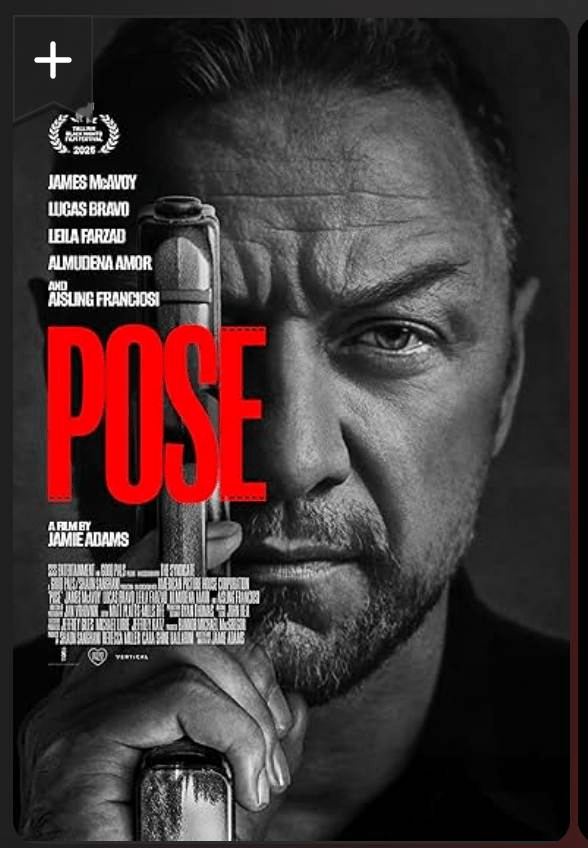
I often throw a movie on in the background when I am working in the evening, and on this particular day I chose the new James McAvoy “Pose” movie. It was awful, but that notwithstanding, the opening shot had a great still of James that I thought looked really powerful and moody.
I got a thinking – could AI (not Alan Intelligence, but the actual AI) reproduce this with me as the subject?
Step #1 Describe the photo
I screen grabbed the opening scenes from the movie, that had James McAvoy’s face isolated, and then took it into Gemini Pro and asked:
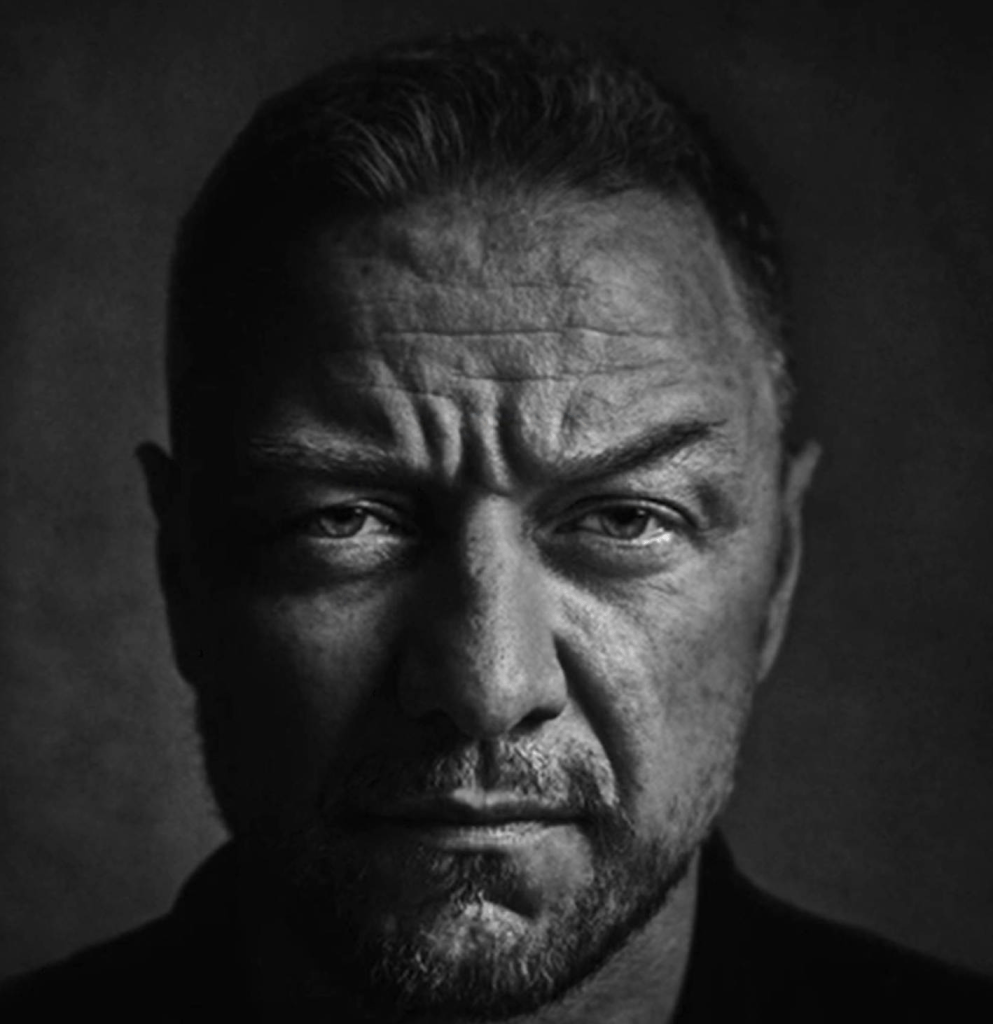
can you describe this photo, in extreme detail, in such a way that I could create a prompt from it for applying to another photoThis then produced a very detailed description. I took this and further refined it by passing it back into Gemini to have it create a prompt that would be used on any photo I would upload.
Step #2 Take a photo of me
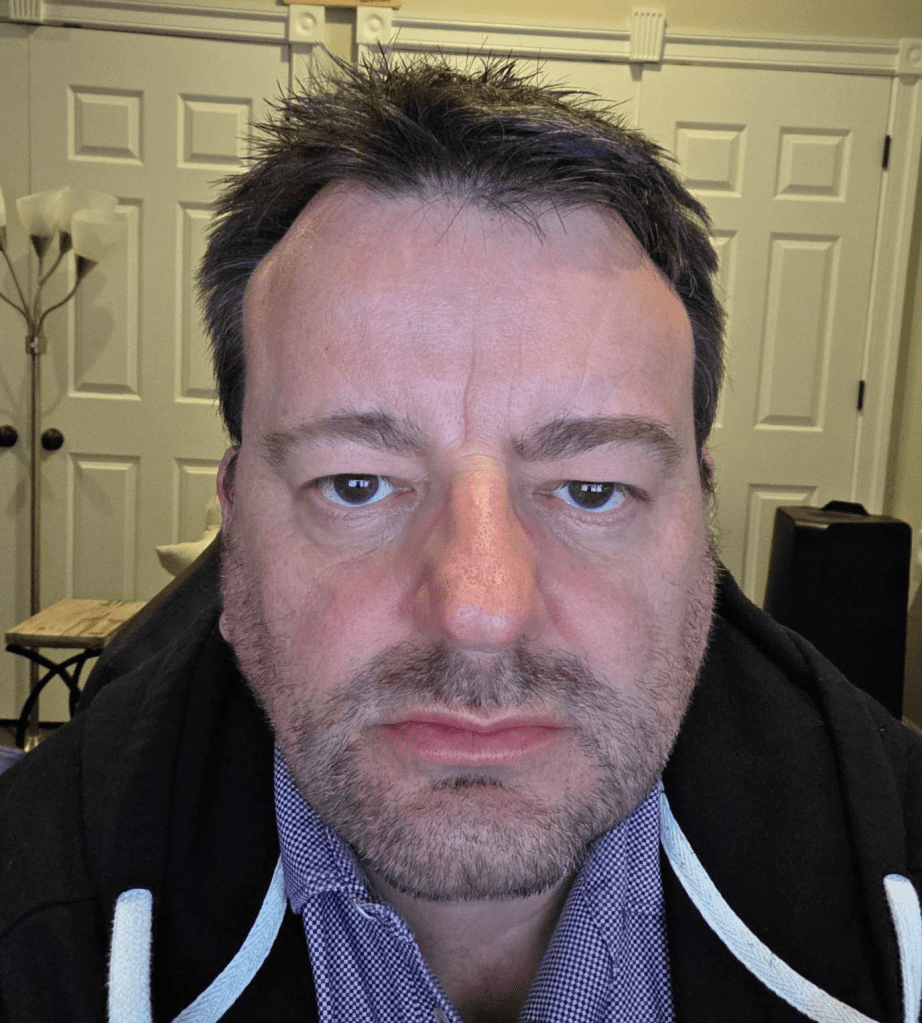
With that prompt in the bag, next was to take a beautiful photo of yours truly. Nothing dramatic, just a quick selfie.
Step #3 Apply prompt
Now came the exciting part, uploading said selfie to Gemini, copy’n’paste the prompt, and let Nana Banana do its thing.
Take this image and convert to a A stark, high-contrast monochrome portrait rendered in a dramatic, low-key chiaroscuro style, applied to the subject of the input image. The defining feature is a single, harsh light source positioned high and to the subject’s right, raking across the face to create a sharp vertical division; one side is illuminated with brilliant, textured highlights, while the opposite falls into dense, crushed ink-black shadows with minimal fill defining the jaw. Extreme clarity and hyper-realistic texture emphasize ruggedness, making every pore, wrinkle, pockmark, and individual hair distinct and weathered. The composition is a tight head-and-shoulders shot with direct, unwavering eye contact and a serious, intense expression. The background is a dark, heavily textured surface resembling aged concrete or plaster that rapidly falls into deep shadow and soft focus, creating an atmospheric void. The overall mood is gritty, cinematic, and psychologically heavy.Waiting patiently, the result started to morph in front of me.
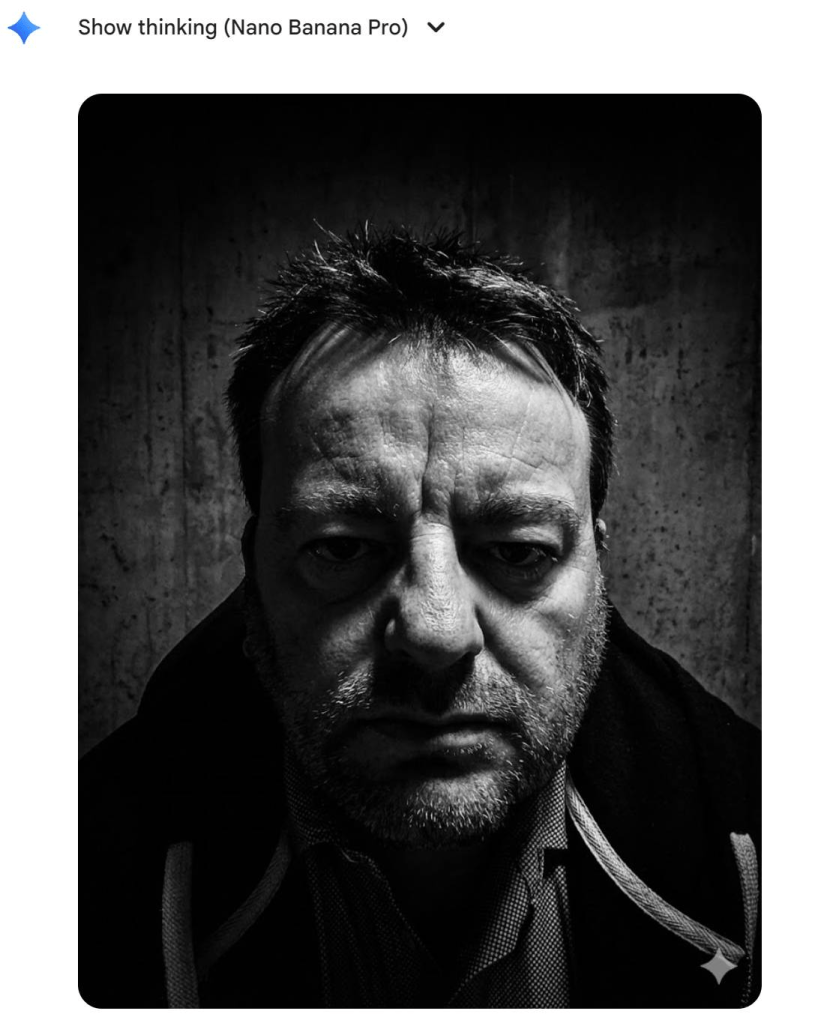
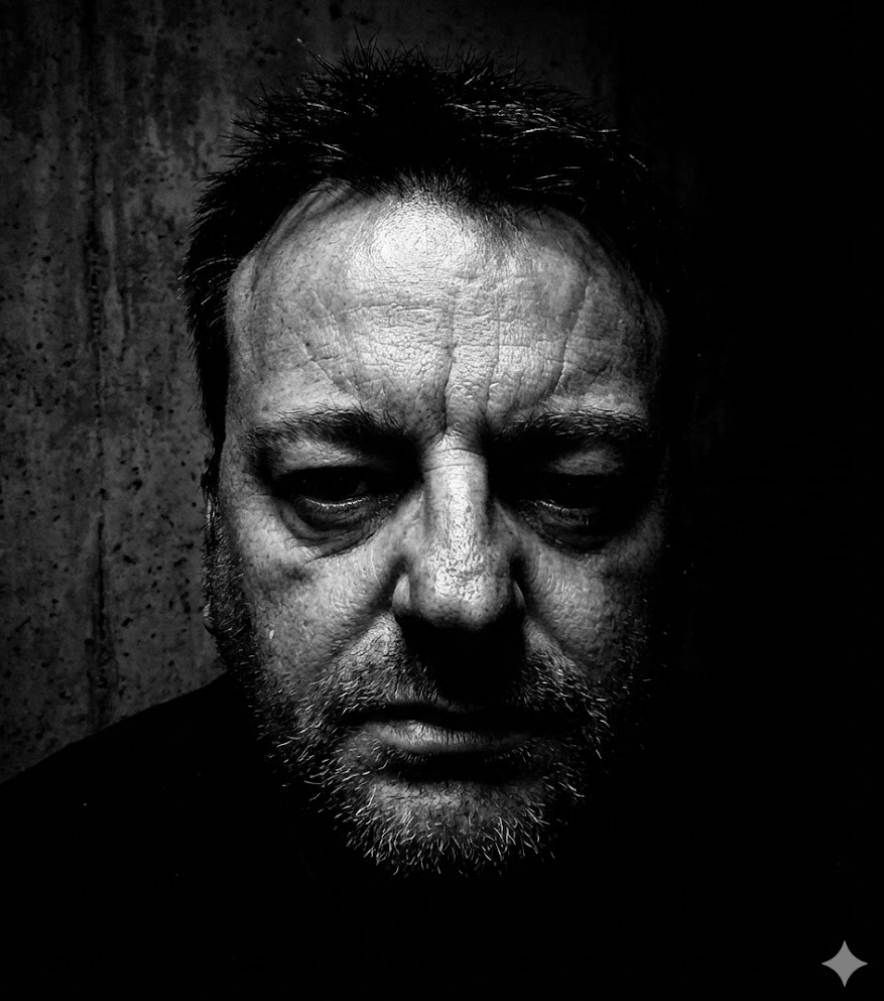
Woah – that was impressive. Outside of being a little dark, I really liked the result. It turn me into a grumpy weathered man. I played with it a little more, asking it to lighten it a little, and after a few retries the result below popped. The sort of headshot I could use for a role in the next Guy Ritchie gangster movie.
Step #4 To video
Now I was intrigued, what could it do if I asked it to animate this a little. Now this is where my experimentation slowed right down, as I can only do 3 videos a day under my current Pro plan. With some careful prompting, trying to get it pan out, slowly, and say something menacing this is what it produced.
I think my screentest for Guy Ritchie has a way to go yet.
In conclusion
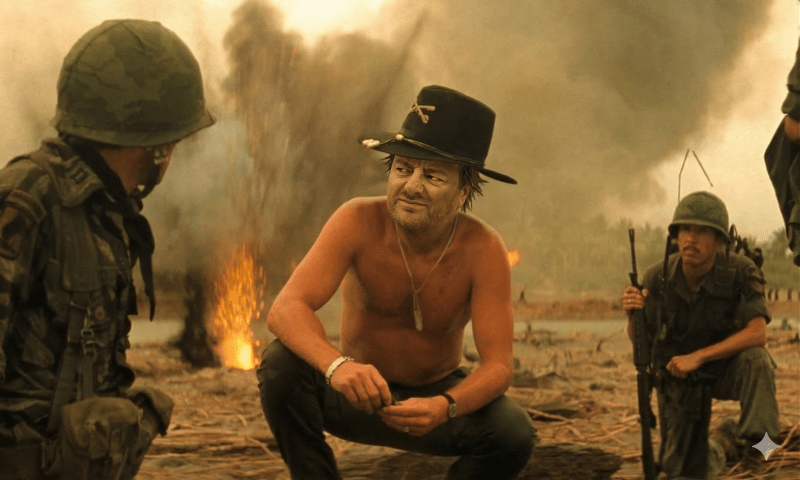
I had read about this technique a while ago, when you are trying to transform a photo into a specific look. That is, find an example of a photo you are aiming for, and have the AI describe it in extreme detail, and then prompt the prompt to make it actionable. This has a surprisingly effective of bypassing any copyright issues the AI engine may throw back at you if you say Recreate me as Elsa running up the ice staircase (hypothetically speaking).
This is my new favorite AI idle play game – find a look I really like and have it recreate me in that style.
Keep an eye out for some interesting profile photos coming from me!
![[Review] PostgreSQL Mistakes and How to Avoid Them](https://alan.is/wp-content/uploads/2026/02/mycousinvinny-small.png?w=643)
 Alan Williamson