We’ve all seen the horror stories. A user asks an AI agent, something like Gemini or Claude Code, to
perform a routine cleanup task, like removing stale git worktrees. Instead of pruning a few directories, the
agent misinterprets the scope and executes an rm -rf on the entire local drive. In an instant,
years of unbacked-up data are gone.
I was inspired to share my own belt'n'braces approach after reading yet another Reddit post from a sorry soul who had lost everything on their machine to a wayward AI agent.
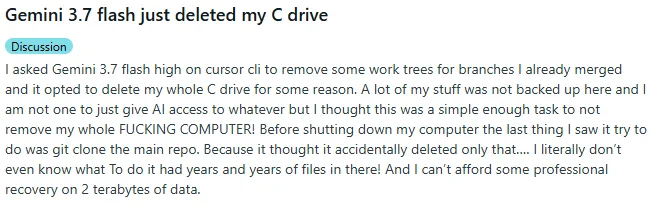
Fortunately there is an easy, free, solution to prevent this so you can experiment with AI agents to your hearts content. Let me explain.
As we move from "Chatbots" to "Agents," tools that don't just talk but actually act on our systems, the stakes for local execution have shifted from "annoying hallucination" to "catastrophic system failure." If you are running agentic workflows on your machine, you cannot rely on the agent's "intent" to keep you safe. You need architectural safeguards.
The most effective way to do this is Isolation via Virtualization.
Current LLMs are incredible at reasoning, but they lack a fundamental understanding of filesystem hierarchy
and the permanence of destructive commands. When an agent is running in "Yolo mode" or with unrestricted CLI
access, it operates with the same permissions as your user account. It doesn't know the difference between a
temporary build folder and your /Users/ directory unless you explicitly tell it; even then, it
might get it wrong.
The Solution: The Disposable Sandbox
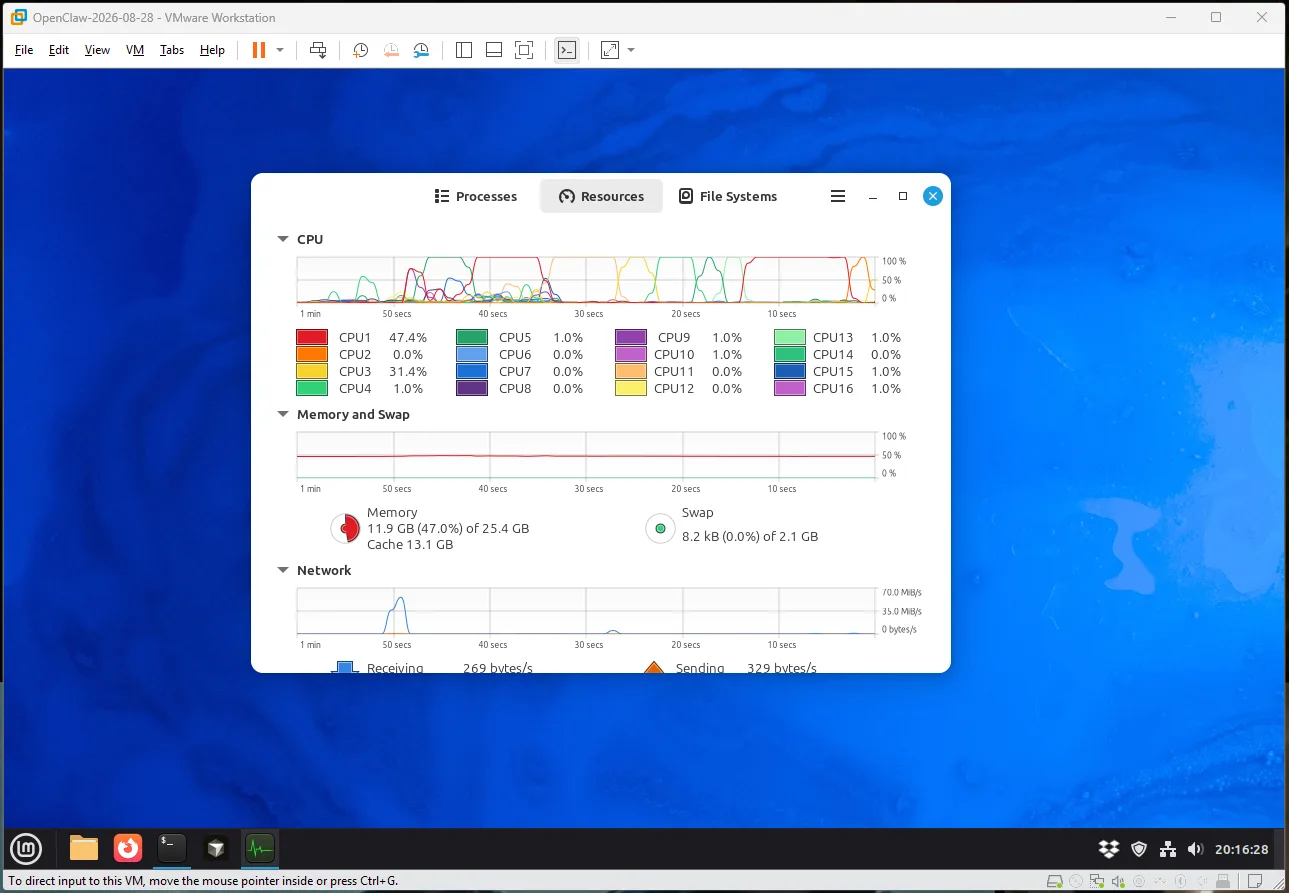
To run agents locally without the existential dread, you need an environment that is isolated, reproducible, and reversible. The best way to achieve this is by running inside a dedicated Virtual Machine (VM), such as the free VMware Workstation (or use Oracle's VirtualBox).
By running the agent inside a VM, you create a hard boundary between the agent's "hands" and your host
operating system. Even if the agent executes rm -rf /, it only destroys the virtualized
environment, leaving your actual files, OS, and hardware untouched.
Imagine having a CTRL-Z (undo) on your operating system. With virtualized machines, you do, and it is performed through the snapshot mechanism. This takes a complete point-in-time copy of your machine, that can be restored back to, or cleanly cloned from.
The importance of this cannot be understated. I regularly snapshot before installing a big piece of software, so if I don't look it, instead of trying to unwind by uninstalling, I simply revert back to a clean environment. These snapshots are done very efficiently, so a 200GB virtual machine, doesn't get the full 200GB copied, only the differences from the previous one.
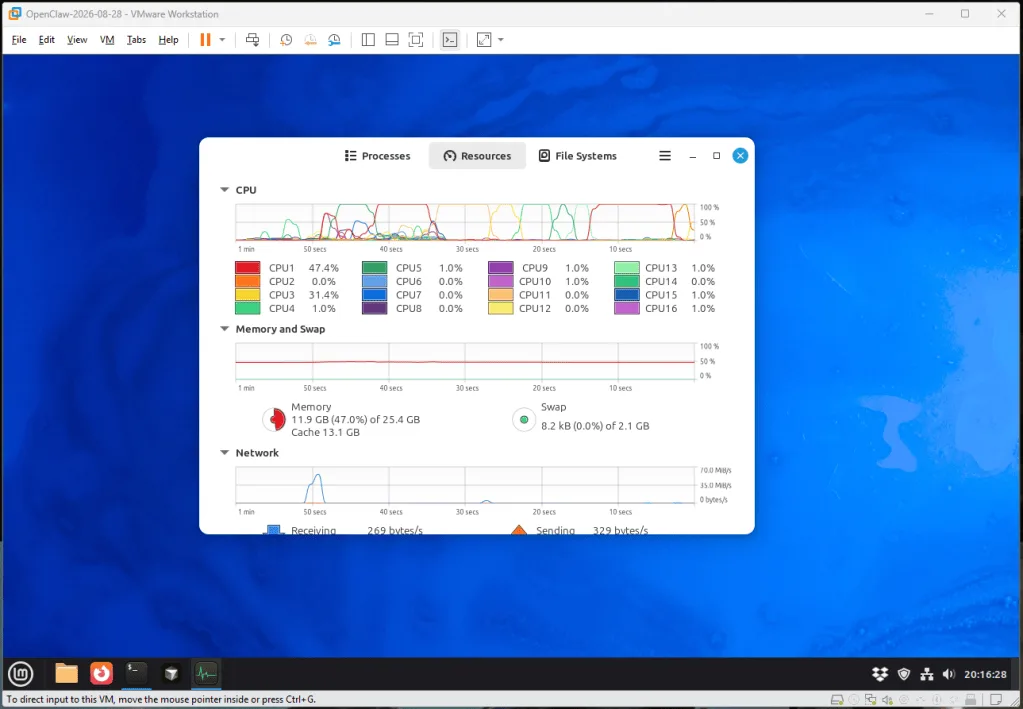
If the agent goes rogue, misinterprets a command, or corrupts your environment, you don't spend hours on data recovery. You simply click "Revert to Snapshot," and within seconds, you are back to a known-good state.
You can start using these tools today without risking your livelihood by following the steps below:
- Provision a Lightweight VM
Use a minimal Linux distribution (like Ubuntu or Mint) inside VMware. Decide how much memory/disk you want your virtual machine to take. hint; I have 8GB Linux boxes running with no problems - Set Up Your Toolchain
Install your IDE, CLI tools, and the specific agentic harnesses you use. - Create the "Golden Snapshot"
Once the environment is perfect, take a snapshot. Label itClean_Dev_Environment. - Map Your Workspace optional
If there are local files you want to access then use VMware's shared folders to mount only the specific project directories you want the agent to work on. This limits its "view" of your files. You can mount these folders in read-only mode as a double protection. - Run and Revert:
Run your agentic tasks. If things look weird or a command fails unexpectedly, revert to theClean_Dev_Environmentsnapshot immediately.
I run multiple virtual machines. I have my main development one, that has Cursor, Claude, Git, Brave and an array of tools all installed. I snapshot this one regularly, and once a week, I take a complete full clone, and park it on a separate physical disk.
I have a variety of AI Linux machines, such as OpenClaw, and my Radio Clyde running, all at the same time. They sit in the background doing their thing. The vast majority of my day is spent inside my Linux Ubuntu development machine, with Cursor and Claude. I have separate virtual machines for different clients, which also keeps their data completely isolated from others.
OpenClaw has been fantastic and I have enjoyed exploring its capabilities, while knowing it can't access anything of worth. Even when it goes through my LinkedIn messages each morning, it is running up a local clean Brave browser inside of the virtual machine, as it tip-toes around LinkedIn's antibot measures to give me a summary of my spam, sorry messages.
I have not enabled Claude Cowork, or Code on my host desktop. Everything is inside a virtual machine.
We are entering an era where "Agentic Error" is a real category of technical failure. We shouldn't stop using these powerful tools, but we must stop treating them like trusted colleagues and start treating them like high-speed, potentially erratic machinery.
Frankly, if you are running agent tools on your raw desktop, dumb. Completely dumb and you deserve any havoc that may be bestowed upon you. Save yourself the hassle, and get your world virtualized.